We are committed to ensuring everyone can use this website and have developed the site to suit different user needs. In this section we explore ideas for making the site more accessible and at the end have listed links to more detailed information on different devices. Please get in touch if you have ideas for improving the accessibility of the site or if you have any other questions – we’d like to hear from you.
Introduction to the site
The site has a main menu along the top of the page with five key sections to explore. Most of the site is in English and some of the site is available in French Canadian.
Display contrast
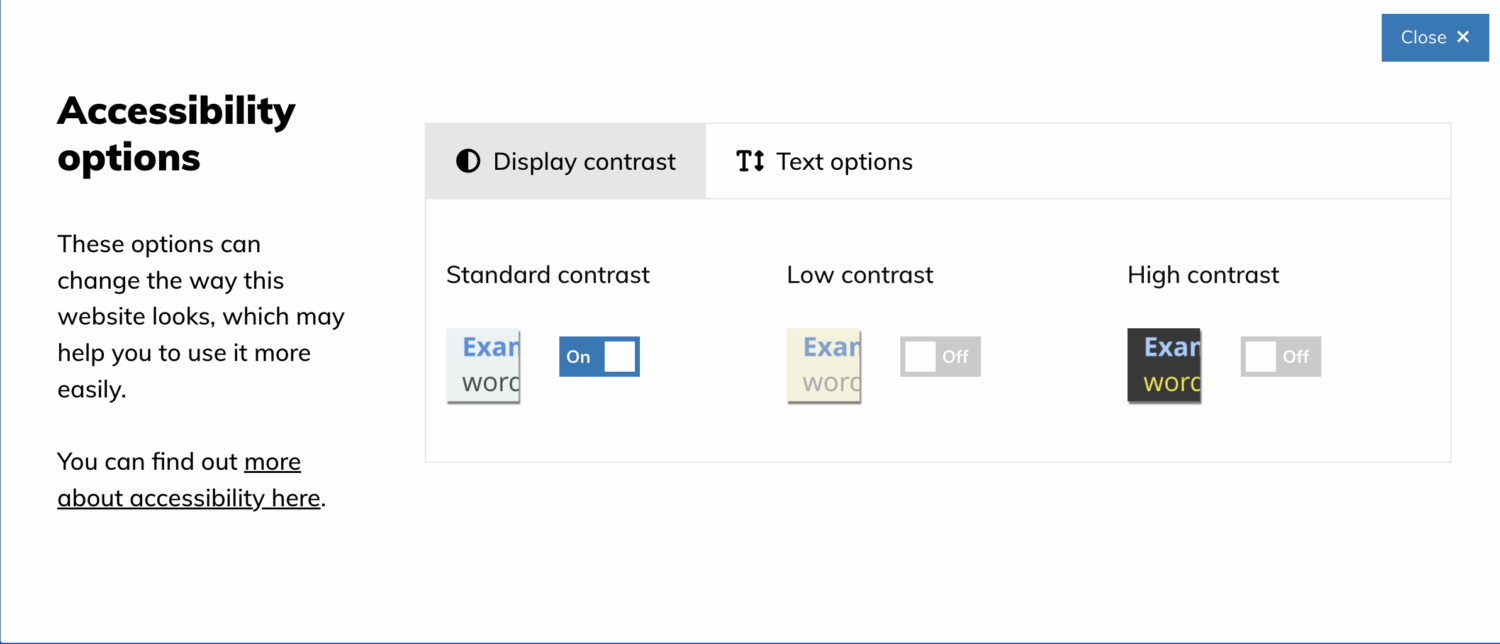
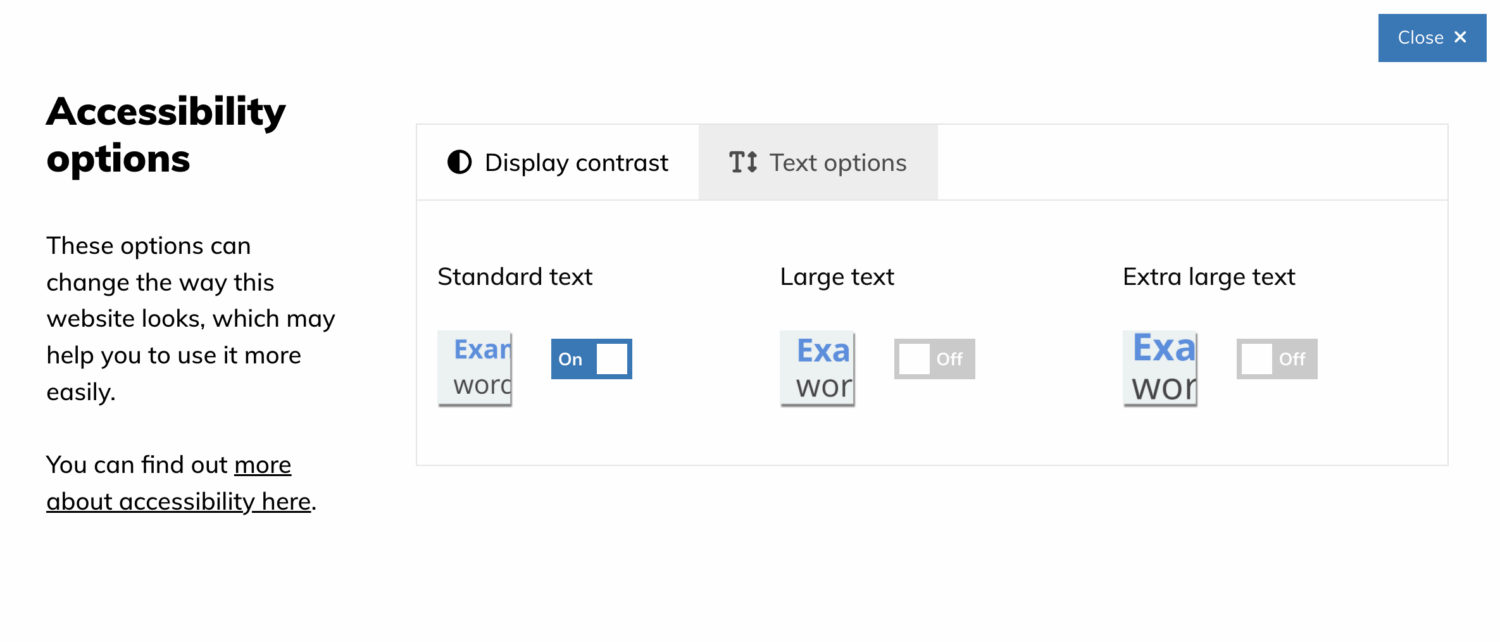
By clicking on the Accessibility options at the top of each screen you can change the way the site is presented

Choose either the Display contrast tab to select Low or High contrast.
or the Text options tab to edit the size of the text
Increasing access on different devices
Depending on what adjustments you prefer to make the web easier for you to use, there are changes you can make to your devices to increase access to our website, including:
- Speech output
- Magnifying the screen
- Making the mouse point bigger
- Slowing down the mouse speed
- Using the keyboard to move around a website
Go to the AbilityNet website for advice on making your device easier to use.
More info for access on different devices
For more detailed guidance on how to increase accessibility and change how your device or web browser works, we recommend the following websites:
Windows
For information about accessibility options using a Windows PC see Windows Accessibility features
Apple
For information about accessibility options using an Apple PC see Apple accessibility for OSX
On an iPhone or iPad
For information about accessibility options using an iPhone see Apple accessibility for ios
On an Android device
For information about accessibility options using an Android device see the Android accessibility help centre